
Build a Brand That Scales Without Burnout.
Aisfy is your strategist, your team, and your system, all in one AI platform that scales your brand without burnout.
A structured Microsoft Copilot training program that turns passive license holders into confident daily users — with hands-on practice in Word, Excel, Outlook, Teams, and PowerPoint, responsible use built in, and adoption measured from day one.





Access without training produces nothing. Teams ignore Copilot, use it unsafely, or never move beyond copy-paste experimentation. Structured training aligned to Microsoft 365 workflows changes that.

Most enterprise Microsoft 365 plans include Copilot. The bottleneck is not access — it is training, responsible use habits, and workflow integration.

UAE organizations are expected to build AI capability with governance embedded from the start. Microsoft Copilot training aligned to responsible use meets that requirement directly.

When teams are trained on Copilot for real workflows — drafting in Word, analyzing in Excel, managing Outlook — time saved per week is measurable from session one.
Employees are given access, shown a short demo, and left to experiment. The result is inconsistent use, data sensitivity risks, and an AI investment that never turns into measurable business productivity.

Microsoft Copilot adoption becomes effective when employees see exactly how it helps them — reclaiming time in Outlook, cutting reporting work in Excel, drafting faster in Word — while supporting team productivity goals.
A live alignment survey connects employee motivation to measurable outcomes: email time saved, reporting speed in Excel, meeting follow-ups in Teams, document drafting in Word.
Hands-on Microsoft Copilot prompting across Word, Excel, Outlook, Teams, and PowerPoint. Prompt engineering, workflow redesign, governance guardrails, and data sensitivity embedded throughout.
Final quiz captures Copilot confidence shift, workflow improvements per M365 application, estimated time saved, quality gains, and sets up 30/60/90-day follow-up adoption measurement.
Not generic AI demos — practical Copilot use cases inside the specific Microsoft 365 apps employees use daily. Every app covered is tied to real workflow improvements.
Draft, rewrite, and summarize documents faster with generative AI prompts.
Analyze data, generate formulas, build charts, and get insights using natural language.
Draft replies, summarize long threads, and manage inbox load with AI assistance.
Generate slide decks from prompts, refine layouts, and build presentations in minutes.
Summarize meetings, generate action items, and catch up on missed calls instantly.
Organize notes, summarize pages, and generate content from meeting notes at speed.
Collaborative content creation and project tracking with AI-assisted structuring.
Cross-application AI queries with access to your organization's documents and data.
The Equip block follows a clear learning path. First understand how Microsoft Copilot works inside Microsoft 365. Then explore practical use cases by application. Then start identifying where Copilot can improve specific daily workflows. No theory-only sessions — every step builds a real Copilot skill.

Build the shared foundation before application-level practice begins.
Practice Copilot prompting in real applications — not demos, not simulations.
Move from practicing Copilot to identifying where it creates real business value.
Not just attendance records. Measurable evidence of Copilot readiness, adoption progress, and workflow improvement across the organization.
Prompting for Microsoft Copilot is taught as a professional skill: clear role, defined task, relevant context, safe format, and guardrails that prevent data leakage and improve output reliability across every M365 application.
Tell Copilot who it is — aligned to your organizational context and policy.
Define the task and the expected Copilot output in Word, Excel, or Outlook.
Give required context without entering sensitive or sovereign organizational data.
Specify the output format and maintain an audit trail of Copilot-assisted work.
Clarify what Copilot should avoid: commitments, confidential data, unsupported claims.
Every KRI connects Copilot adoption to measurable business value. Results are captured live during the session and re-measured at 30, 60, and 90 days.
Estimated time saved per participant through Copilot use in Outlook, Word, and Excel.
Increase in confidence using Microsoft Copilot responsibly for daily Microsoft 365 work.
One real Microsoft 365 workflow improved for speed, quality, or reduced error risk per participant.
Participant-rated relevance of the Copilot training to daily Microsoft 365 work and team goals.
From Copilot training to measurable Microsoft 365 adoption.
The foundation session creates the Copilot baseline. The full-year program then moves into department workflow labs, Copilot champions, governance routines, and Microsoft 365 adoption measurement reported to leadership.
This is a foundation-level Copilot session for around 30 participants. Instead of department-specific redesign, we focus on universal Copilot use cases employees can apply immediately — drafting, summarizing, rewriting, meeting intelligence, data analysis, and safe prompting across Microsoft 365.
Department-specific Copilot workflow redesign is Phase 2. After the foundation session, departments can move into dedicated labs where teams redesign real Microsoft 365 processes and measure time saved, quality gains, and error reduction.
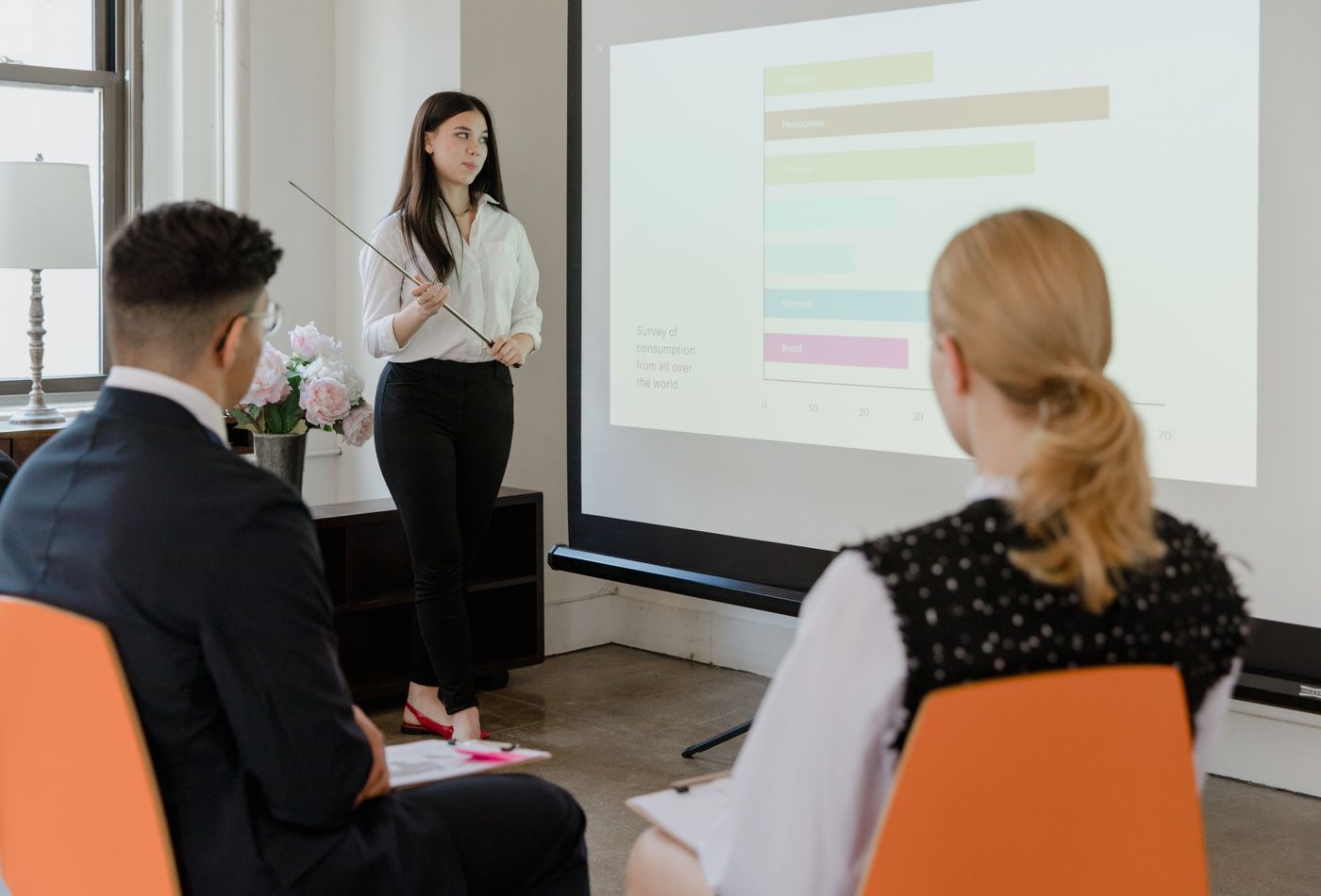
The program starts with business outcomes and Microsoft 365 workflow gaps, then connects them to Copilot capability — not the other way around.
Designed as a full-year Copilot adoption program with phased training, workflow labs, adoption measurement, and leadership reporting. Pricing depends on cohort size, number of departments, Microsoft 365 application focus, and whether the client starts with a pilot session or full annual rollout.
Faculty can be selected based on department needs, with a curated circle of AI safety, governance, Microsoft 365 specialists, and organizational transformation practitioners.
Clear answers on scope, Microsoft 365 application coverage, responsible use, measurement, and how the Copilot training connects to a full-year adoption program.
Participants should have active Copilot for Microsoft 365 licenses to practice in live applications during the session. The training can also be delivered using demo environments if licensing is still being deployed organizationally.
Core coverage includes Copilot in Word, Excel, and Outlook. Extended coverage adds Teams, PowerPoint, and Copilot Chat. Application mix is adjusted based on team roles, licensing status, and workflow priorities.
Responsible use is embedded into every exercise. Participants learn what organizational data should never enter Copilot prompts, how to structure safer prompts, how to review Copilot outputs before sharing, and when human judgment overrides AI output.
Impact is measured through live surveys, confidence assessments, workflow redesign outputs, time-saving estimates per Microsoft 365 application, and 30/60/90-day follow-up reporting to L&D and leadership.
Yes. Phase 1 creates the baseline for all teams. Phase 2 delivers department-specific labs — Finance focuses on Excel, HR on Outlook and Teams, Marketing on PowerPoint and Word, Operations on Teams and Loop.
Microsoft provides feature docs and video tutorials. This program adds what Microsoft does not: live hands-on practice in real workflows, responsible use governance embedded throughout, and measurable adoption outcomes tracked over 90 days post-training.
The foundation session can stand alone as Phase 1. The stronger recommendation is a full-year Copilot enablement roadmap with Phase 2 workflow labs and Phase 3 governance, champions, and leadership adoption reporting.
A 30-minute alignment meeting to confirm Microsoft 365 deployment status, Copilot licensing, target cohorts, application priority, measurement goals, and whether the client wants a pilot session or full-year rollout plan.
Start with one foundation Copilot training session for 20–30 participants, then expand into department workflow labs, adoption measurement, Copilot champions, and leadership reporting across the year.
30-minute alignment meeting to confirm Microsoft 365 deployment status, Copilot licensing, target cohorts, M365 application focus, trainer selection, and rollout timeline.
Aisfy is your strategist, your team, and your system, all in one AI platform that scales your brand without burnout.
Join our waitlist to receive priority access to upcoming collections and restocks. Reserve your place today.